An updated Network Visualizer, now on the NI Lab website
The lab's web app for exploring network data now opens directly on our website. Load a list of ties, find communities, size people by centrality and arrange the network, all in your browser.
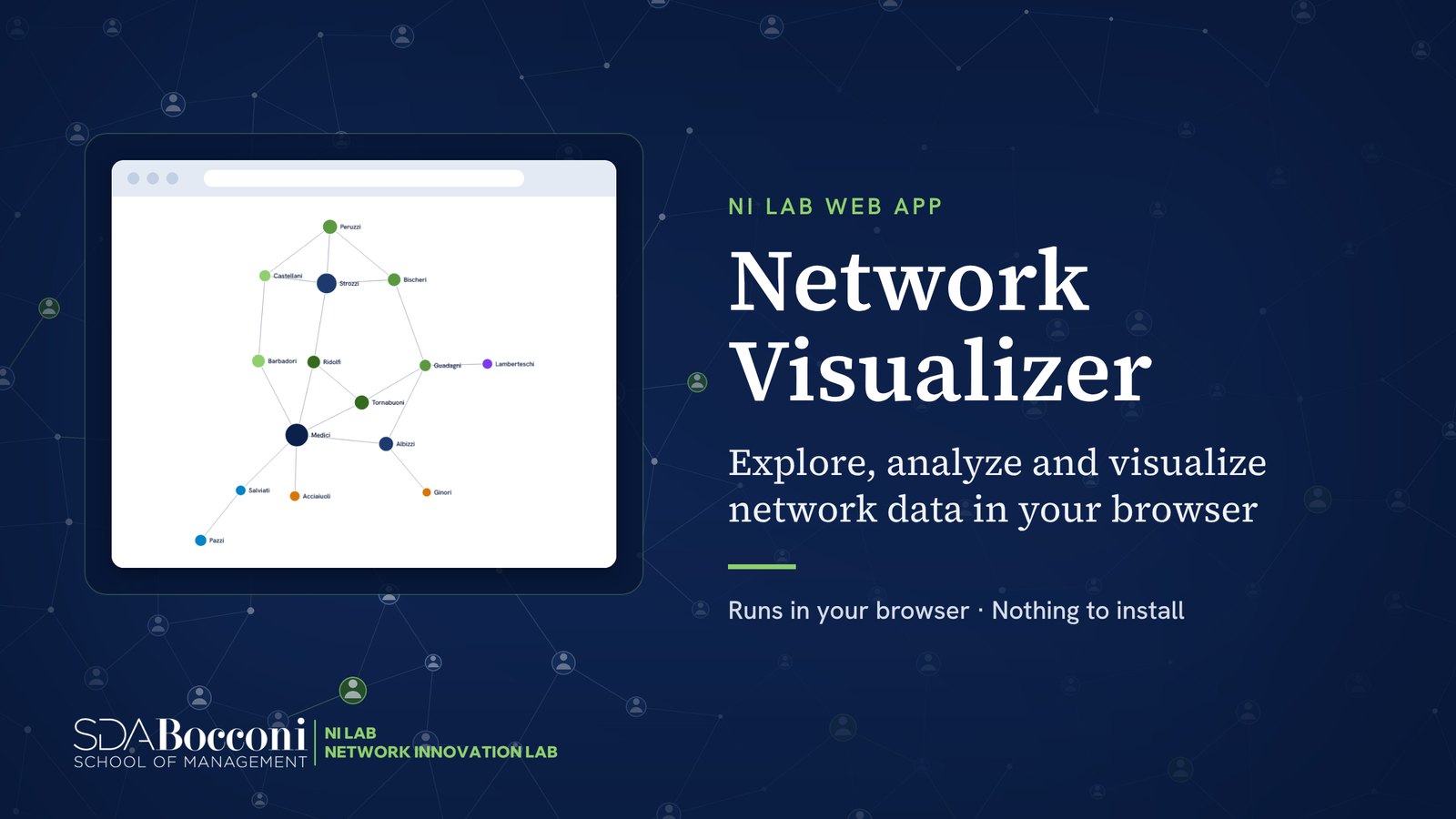
The Network Visualizer, the lab’s web app, has been updated and now opens directly on the NI Lab website. It is an interactive tool for exploring, analyzing and visualizing relational data in real time, designed for researchers, practitioners and students who want to see the structure of a network without installing desktop software.
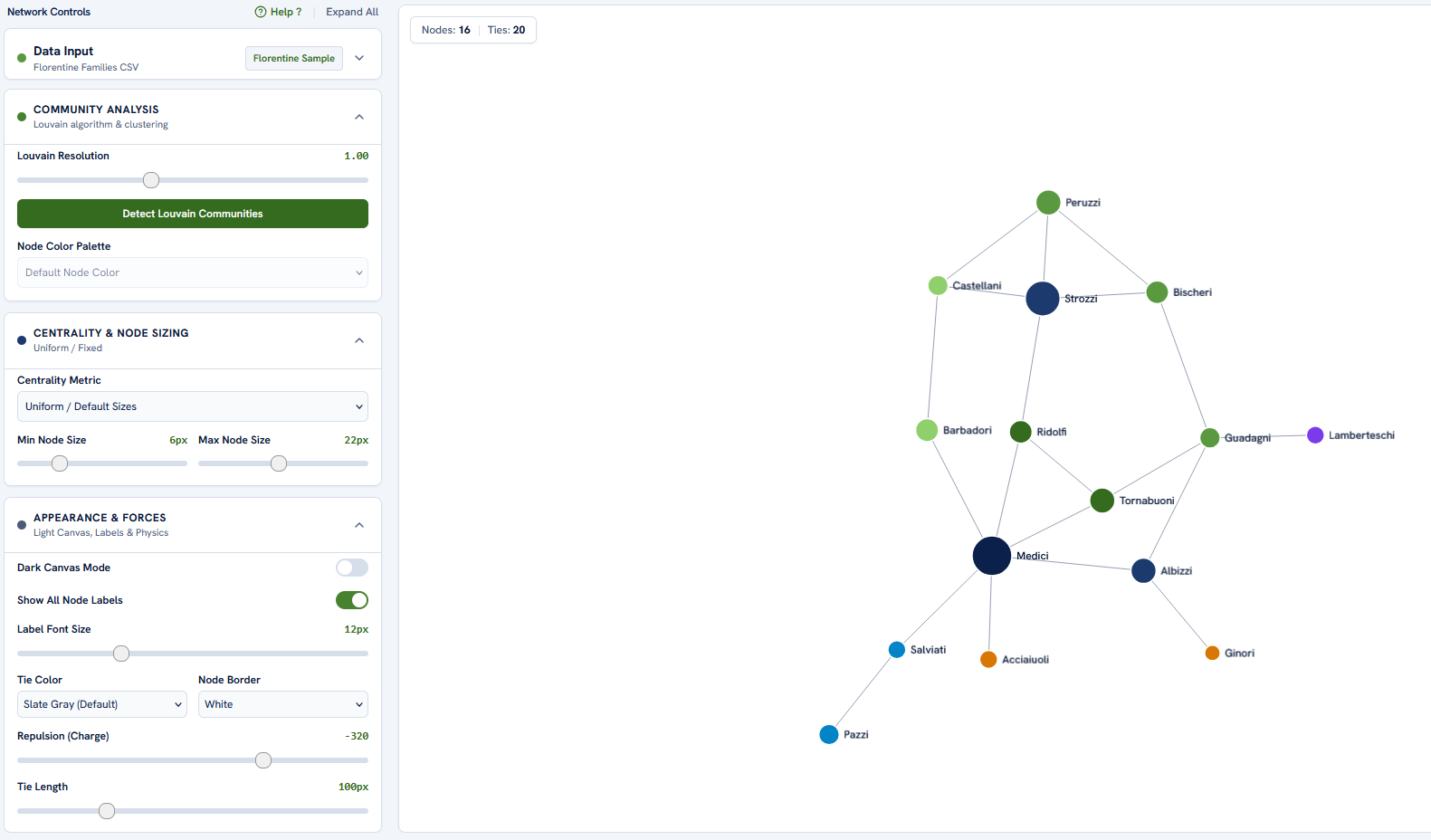
What it does
- Finds communities. The Louvain algorithm splits the network into groups that are more densely tied inside than between them, and colours each group. A resolution setting asks for fewer, larger communities or more, smaller ones.
- Measures centrality. Nodes can be sized by degree, eigenvector or betweenness centrality, so that the most connected, the best connected to other well-connected people, or the people who bridge different parts of the network stand out. You choose the smallest and largest node size.
- Lays out the network. A force-directed layout places connected nodes near each other. You can change how strongly nodes repel each other and how long ties are, and drag any node to pin it where you want it.
- Lets you style the picture. Show or hide labels and change their size, pick the colour of ties and node borders, and switch to a dark canvas.
How it works
- Prepare your data. Write your network as a list of ties, one row per pair of connected people or organizations:
source,target,weight. Onlysourceandtargetare required. A second, optional file can describe the nodes, with columns such asid,label,type,size,color. - Load it. Drag and drop your CSV files into the Data Input area, or type or paste the ties in the Manual Input tab. To try the tool first, click Load Sample: it opens the historical alliance network of the Florentine families.
- Explore. Run community detection, choose a centrality measure to size the nodes, and arrange the layout until the structure is clear.
Your data stays on your computer
All the work happens inside your browser: reading the files, computing the centralities and communities, and moving the network on screen. Nothing is uploaded to a server or shared with anyone else, so the tool can be used with confidential network data.
For questions, research collaborations or bug reports, write to leonardo.rizzo@unibocconi.it.